
Accessories
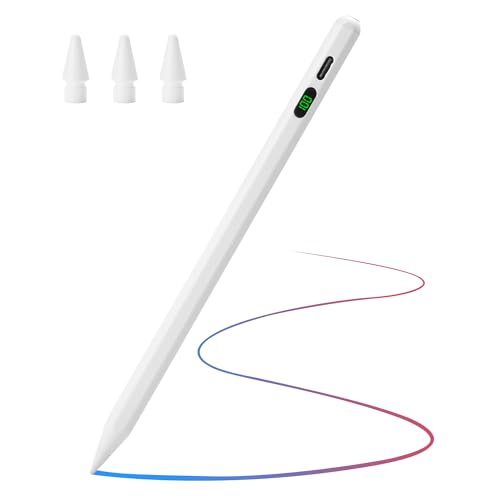
Apple Pencil Tilt Sensitivity Palm Rejection Stylus for iPad iPads iPad Mini Fast Charge Specifications
$12.49
$15.99
22% OFF
Your Product Guide
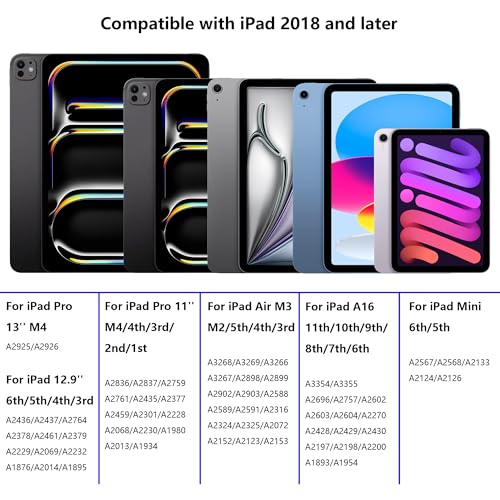
Compatible with 2018 and Later iPad: This pencil is designed to work with iPad models from 2018 onwards. It is compatible with iPad A16 11th/10th/9th/8th/7th/6th Generation, iPad Air M3/M2/5th/4th/3rd Gen, iPad Pro 13" M4, iPad Pro 12.9 inch 3rd/4th/5th/6th, iPad Pro 11" M4/4th/3rd/2nd/1st Gen, and iPad Mini A17 Pro 7th/6th/5th Gen. Please confirm your iPad model before purchasing, as this pencil is not compatible with earlier models.
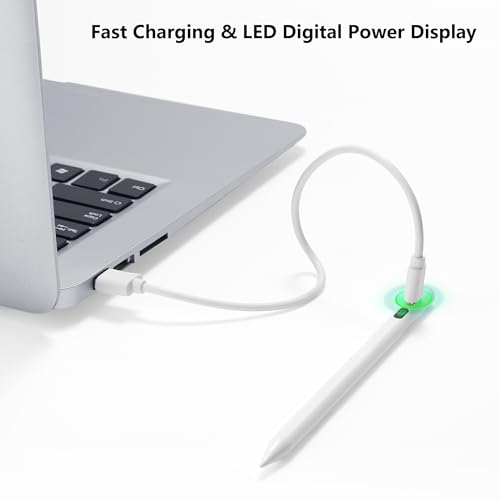
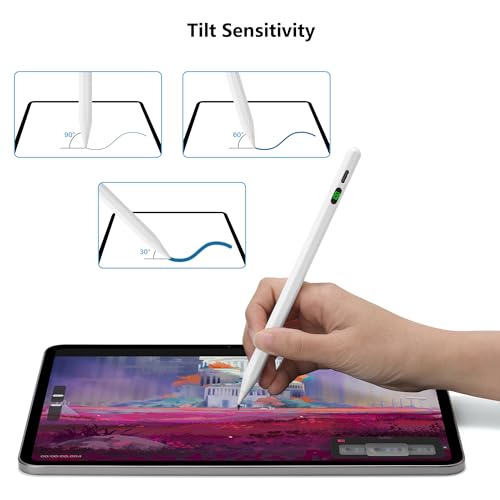
Tilt Sensitivity Technology & LED Power Display: The stylus includes tilt sensing technology, allowing you to draw lines of varying thicknesses by adjusting the angle of the stylus. Perfect for detailed drawing or writing on your iPad. Note that pressure sensing is not supported. It also features an LED digital power display, clearly showing the battery level so you can easily see how much power is left.
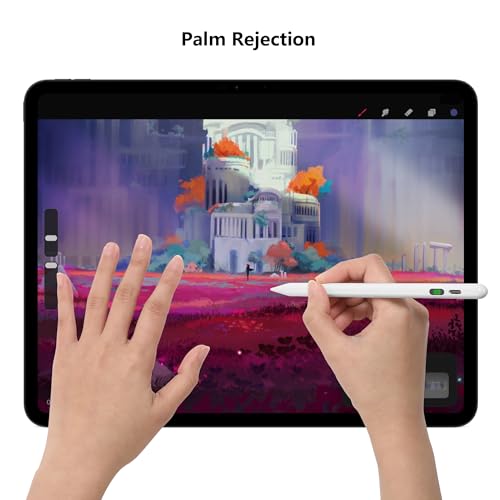
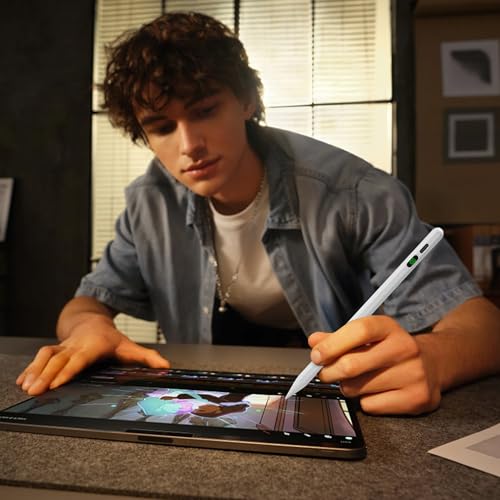
Palm Rejection Design: This stylus design prevents your hand from interfering with your drawing, writing, or sketching. You can rest your hands on the screen comfortably, which makes the creative process more natural and efficient. This ensures you can write and draw more freely, with precise and quick interactions.
Type-C Fast Charging & Magnetic Attraction: The stylus supports fast charging via USB-C, taking approximately 25 minutes to fully charge and up to 10 hours of use. It will automatically shut down after 10 minutes of inactivity to save power. The stylus comes with a built-in magnet that can be attached to the side of your iPad, making it easy to carry and preventing loss. Note that wireless charging is not supported.
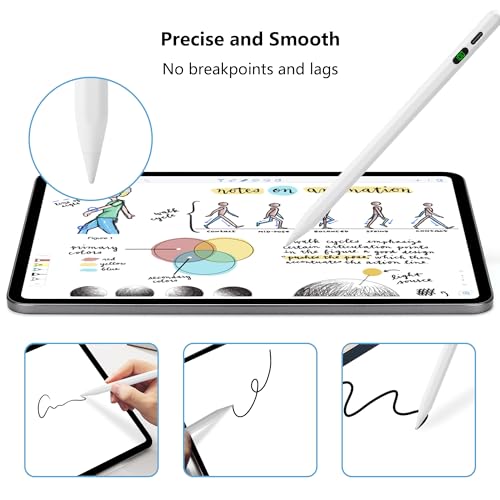
Precise and High Responsive: The 1.4mm pen tip has high sensitivity, allowing for precise instructions without delay, skips, or breakpoints—just like using a real pencil. Additionally, it comes with 3 replaceable tips to extend its life, and the tips can be easily installed or removed without any tools. Note that this stylus does not support pressure sensitivity.
Easy to Use: This stylus does not have Bluetooth. To turn it on or off, simply press the top button. If it doesn’t work after turning it on, make sure Bluetooth on your iPad is turned off: Settings > Bluetooth > Turn off Bluetooth, or follow these steps to disconnect the Bluetooth between your iPad and the stylus: Settings > Bluetooth > Apple Pencil > "i" > Forget this device.


You'll also love
23%

23%

22%

