

Accessories
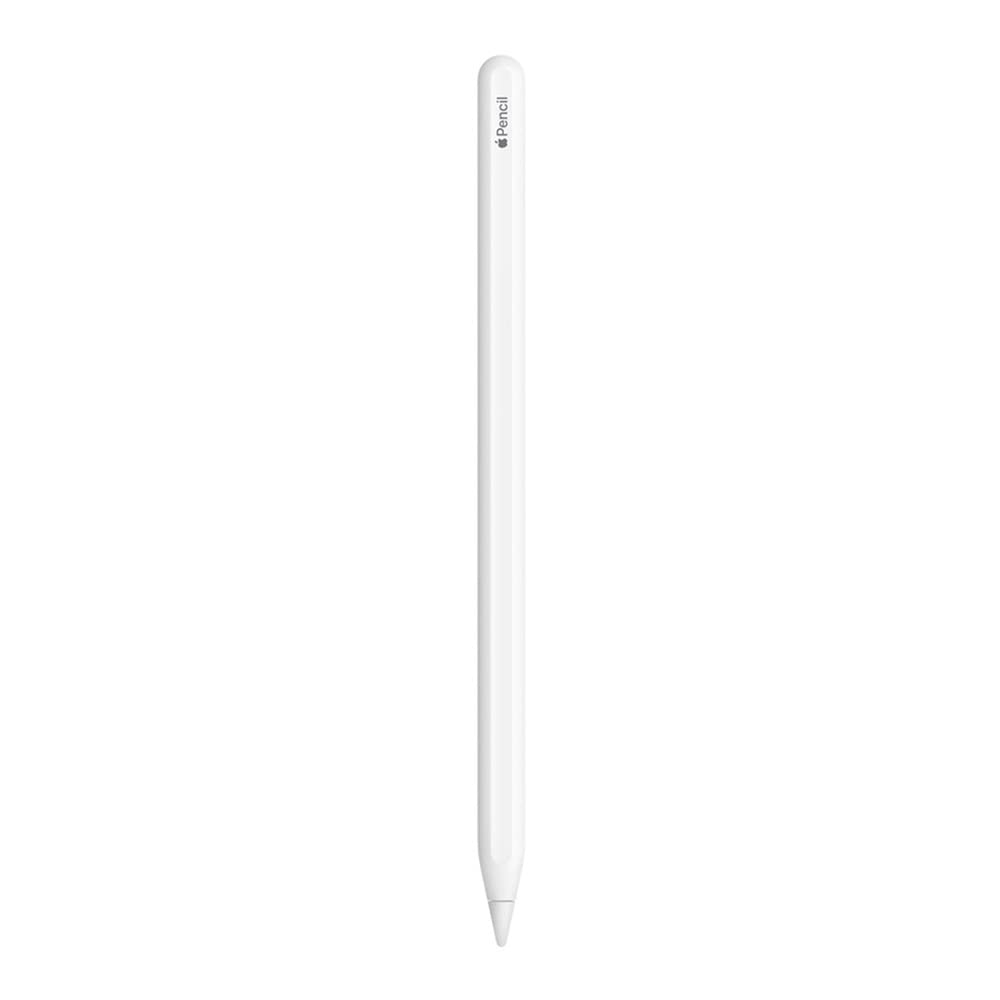
Apple iPad Pencil 2nd Generation with Magnetic Wireless Fast Charging, Stylus Pen for iPad Pro 11/1|9, iPad Air, iPad Mi
$15.39
$19.99
23% OFF
Your Product'S Main Highlights
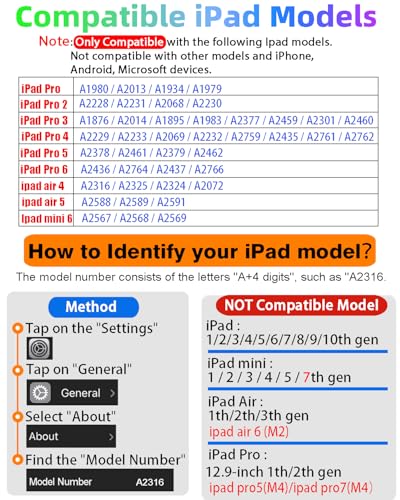
How to Identify Your iPad Model
Tap on the "Settings" -> Tap on "General" -> Select "About" -> Find the "Model Number". Alternatively, you can look up the Model Number on the back of the iPad. The model number typically starts with the letter "A" followed by four numbers. For example, it might look like "A1983." This number uniquely identifies your iPad model.
Compatible Models
The iPad Pencil 2nd Generation works well with the following models: - iPad Air (4th/5th Gen) - iPad Mini 6th Generation - iPad Pro 11" (1st/2nd/3rd/4th Gen) - iPad Pro 12.9" (3rd/4th/5th/6th Gen)
Note: It only works for these models and does not support iPhone, Android, or other devices. For specific compatibility, refer to the model diagrams on the product introduction page. Ensure your model is in the compatible list before purchasing.
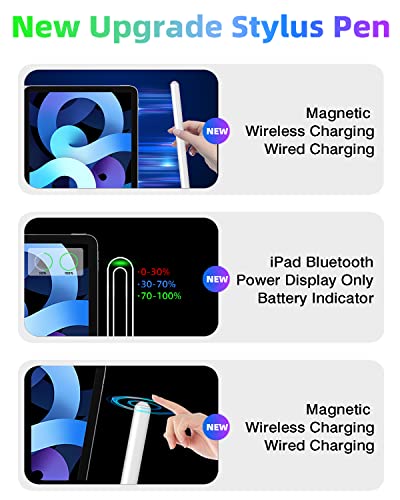
Bluetooth Magnetic Charging
The iPad Pencil 2nd Generation supports Bluetooth connection and has a magnetic wireless charging design. Connect Bluetooth, then magnetically attach it to the side of your iPad to charge. Please confirm your iPad model's compatibility before purchasing, as incompatible models will not be able to charge. Add the widget to monitor the charging status in real-time. It takes just 1.5 hours to fully charge the stylus and can last up to 9 hours of operation. After 20 minutes, the stylus will automatically enter sleep mode.
Tilt Sensitivity & Pixel Precision
The 1.2mm tip allows for finer instructions with higher sensitivity and more accurate signals. There is no lag or breakpoint. The iPad Pencil 2nd Generation features a palm rejection function, allowing you to rest your palm comfortably on the screen without affecting the touch. This pen is perfect for unleashing your creativity on your iPad.
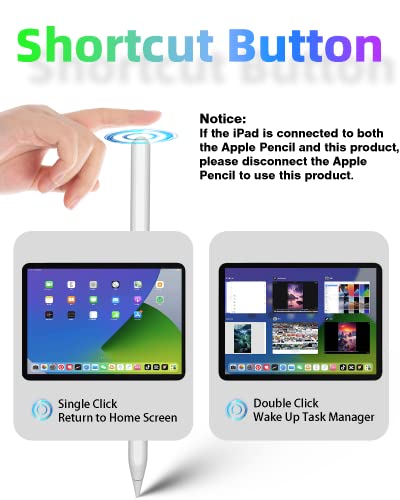
Shortcut Key Functions
Compared to a standard stylus, the 2nd Generation iPad Pencil has shortcut key functions. After connecting via Bluetooth, tap the button at the top to activate shortcut functions. One tap returns to the main screen, and double-tap to return to the app selection page. Swipe from the bottom left to the top right corner of the iPad screen to quickly take a screenshot.


You'll also love
30%

38%

42%