



Accessories
Stylus Pen for iPad 2018-2025, USB-C Fast Charging Pencil, Pixel-Perfect Tilt Sensitivity | Stylus Pen for iPad Mini 7/
$11.09
$15.39
28% OFF
Quick Overview
How to Use
- Control Button Function: Long press the control button for 3 seconds to turn ON/OFF the pen. When the light is flashing, the pen becomes discoverable via Bluetooth. Once connected, you can display the pen’s power on your iPad and use the shortcut function.
- Troubleshooting: If the pen doesn't work after turning on, follow these steps to disconnect the Bluetooth connection between your iPad and the pen:
- Settings > Bluetooth > Apple Pencil > Tap "i" > Forget this device
Important Compatible Models
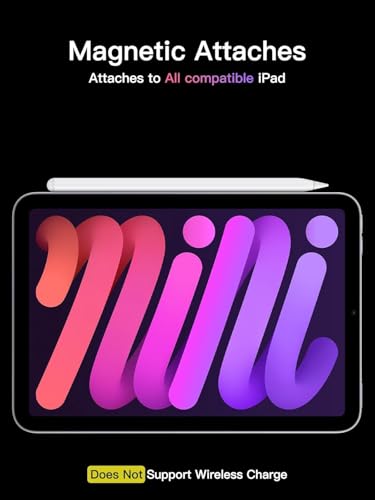
- This pen is compatible with all iPad models released in 2018 or newer, including:
- iPad A16 11th/10th/9th/8th/7th/6th Gen
- iPad Mini A17 Pro
- iPad Mini 7th/6th/5th Gen
- iPad Air 13-inch (M3/M2), 11-inch (M3/M2)
- iPad Air 7th/6th/5th/4th/3rd Gen
- iPad Pro 13-inch (M4), 11-inch (M4)
- iPad Pro 12.9" (3rd, 4th, 5th, 6th Gen), 11" (All Generations)
Tilt Sensitivity & Pixel Precision
- Replaceable Apple Pencil Tip: Our device comes with the original Apple Pencil tip and includes 3 extra tips for precision and accuracy. With tilt sensitivity, it enables effortless drawing, sketching, coloring, note-taking, and PDF markup, providing a natural and seamless experience, just like using a real pencil.
- No Pressure Sensitivity: Note that the pen does not have pressure sensitivity.
USB-C Fast Charging
- Charging Speed: This pen charges fully within 30 minutes and reaches 80% in just 15 minutes. It provides up to 10 hours of continuous use.
- Power Management: The pen automatically shuts down after 5 minutes of inactivity to save power.
One-Click To Revoke
- Display Battery Percentage: Support Bluetooth connection to show battery percentage in the status bar.
- Undo Function: One-click to undo the previous action (long press 3s to turn On/Off). Note: You can also use the pencil directly without a Bluetooth connection. However, without a Bluetooth connection, you will not have access to the shortcut functions.


You'll also love
25%

23%

21%

