Smart Devices
Air Tags Smart Tag for iOS Devices - Keys and Item Locator - IP67 Waterproof - 5 Pack
$18.49
$25.99
29% OFF
A Complete Look At Features
Track Your Items Effortlessly
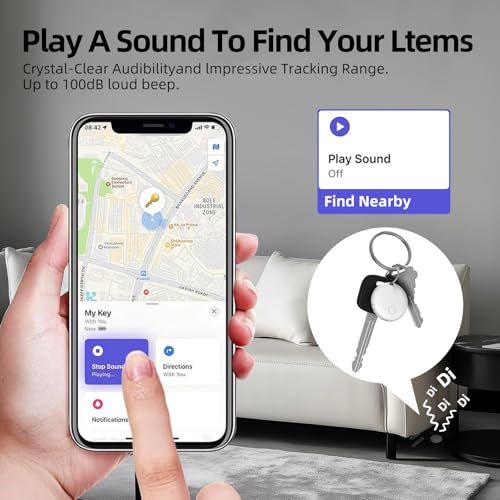
Use smart tags to effortlessly track and locate your items. Within Apple’s signal range, connect to the global “Find My” network, spanning billions of iOS devices, to guide you to nearby or update your item’s latest location. No monthly fees required; simply use the “Play Sound” feature within Bluetooth range (60m/200ft) to quickly find your items. (iOS Only, Not for Android)
Left Behind Remind and Lost Mode
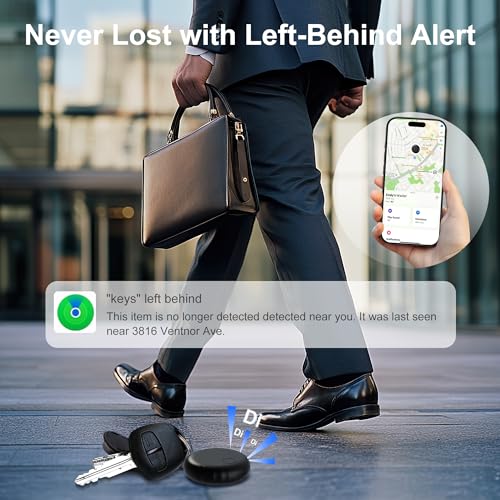
If your item with air tags is left behind and disconnected from a Bluetooth-enabled iOS device, the “Find My” app will immediately send you a notification of the item’s loss. Whether you accidentally dropped your wallet or left your keys at the office, our air tags will promptly remind you to retrieve your items. (iOS Only, Not for Android)
Replaceable Battery and IP67 Waterproof & Dustproof
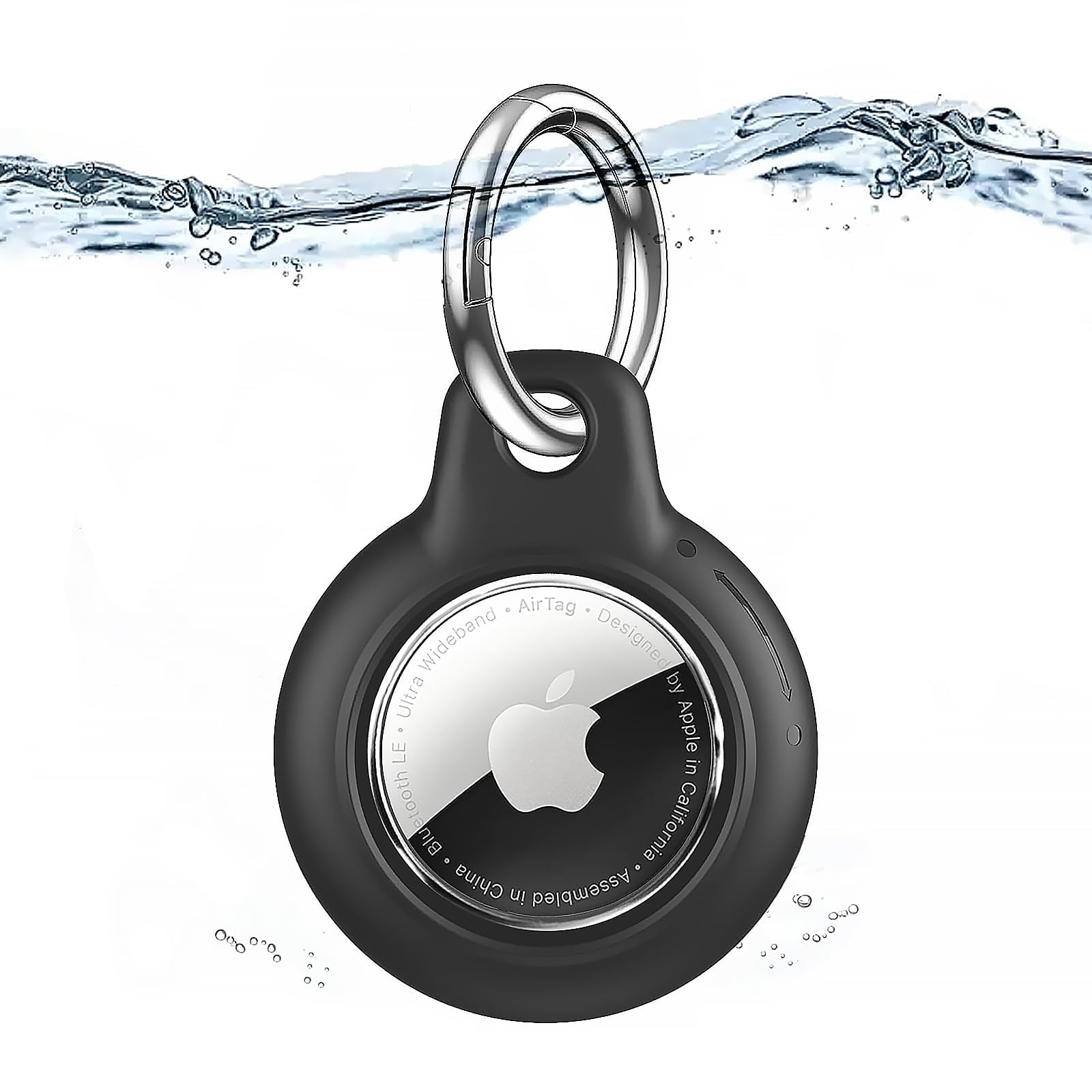
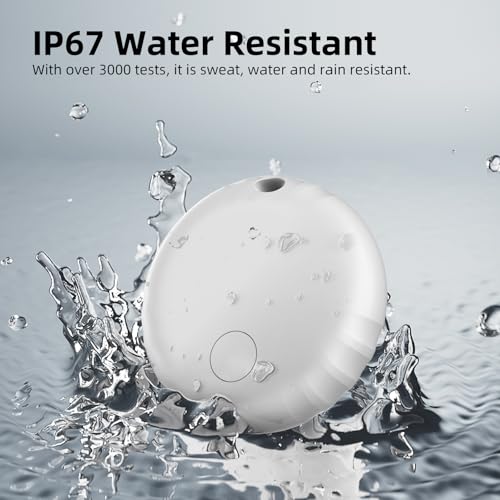
Air tags feature IP67 waterproofing, able to withstand splashes, rain, and brief submersion. The luggage tracker includes a replaceable battery lasting up to one year. The battery status can be checked within the Find My app. (iOS Only, Not for Android)
Compact and Lightweight Tracker
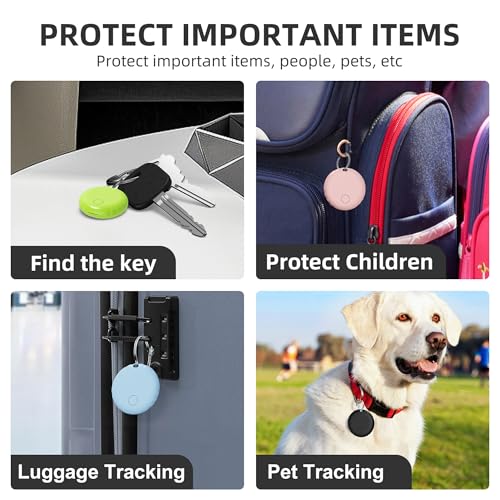
The smooth surface of the airtags prevents scratching other items. The weight of tracking tags is only 6 grams, making them easy to carry around. The ultra-thin, lightweight, and durable design of the key finder makes it perfect for keys, wallets, backpacks, suitcases, laptops, and luggage. (iOS Only, Not for Android)
Privacy Protection and Easy Pairing
Umoven’s wallet tracker protects privacy and security, with all communication with the Find My Network being anonymous and encrypted. Location data and historical records will never be stored on the airtags. Simply open the “Find My app” and Bluetooth, click on “Items,” then “Add Item,” select “Other Supported Item,” and follow the in-app instructions for easy pairing. (Note: Only compatible with iOS devices, not compatible with Android)


You'll also love
25%

23%

28%